

Free and open source
presenters
Present with focus. Nothing in the way.
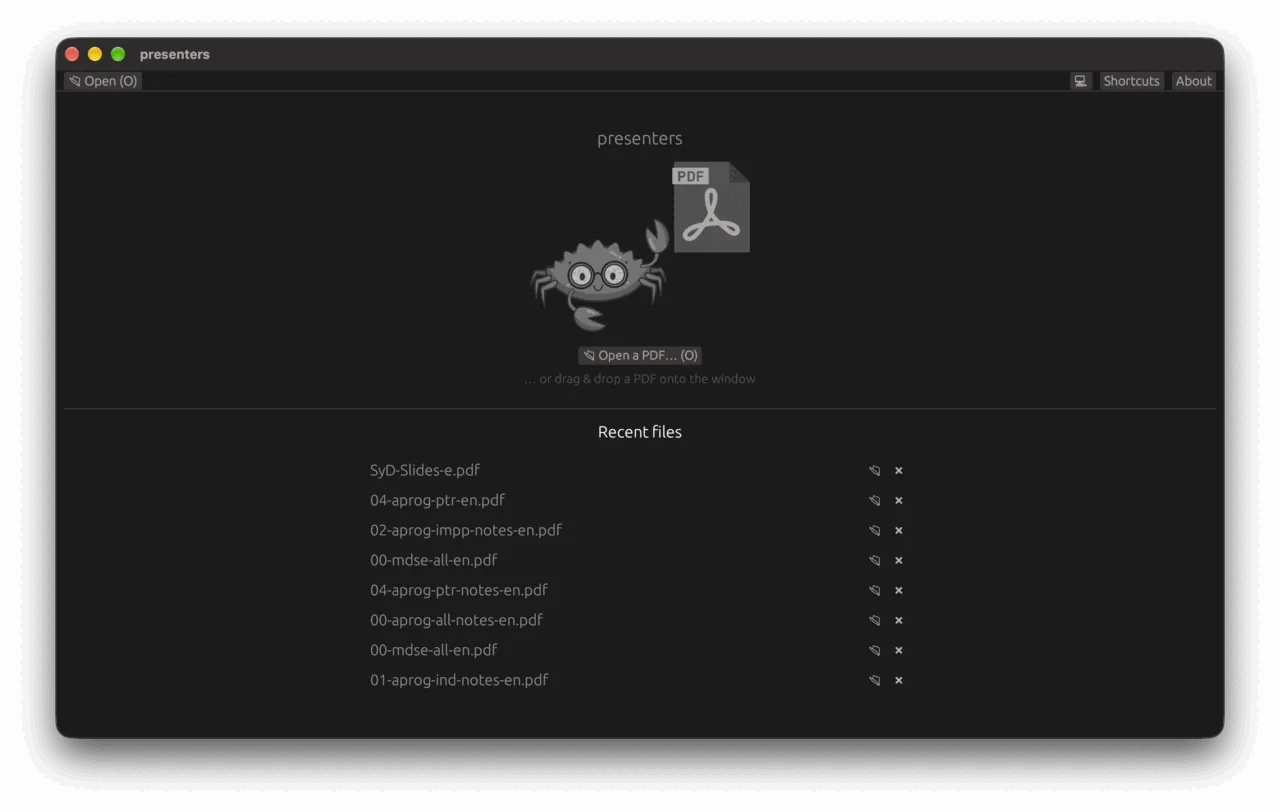
Open a PDF and present it from a view made for the speaker: current slide, next slide, notes, thumbnails and a clock. Free and open source.
01
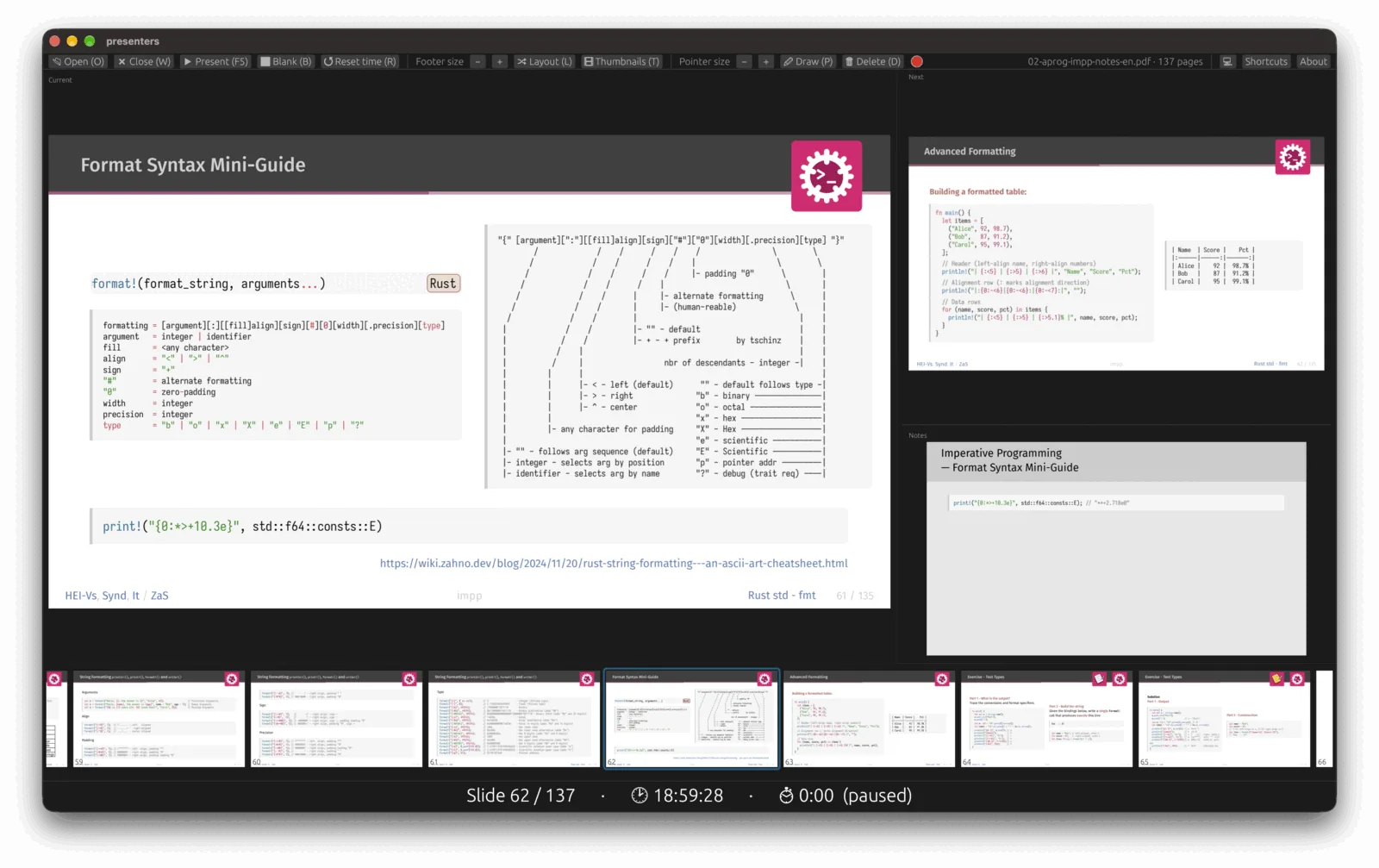
One view for you. One slide for them.
Current slide, next slide, your notes, thumbnails and the time, all in one place. Your PDF can come from LaTeX or Typst, notes included. The audience sees only the slide.
02
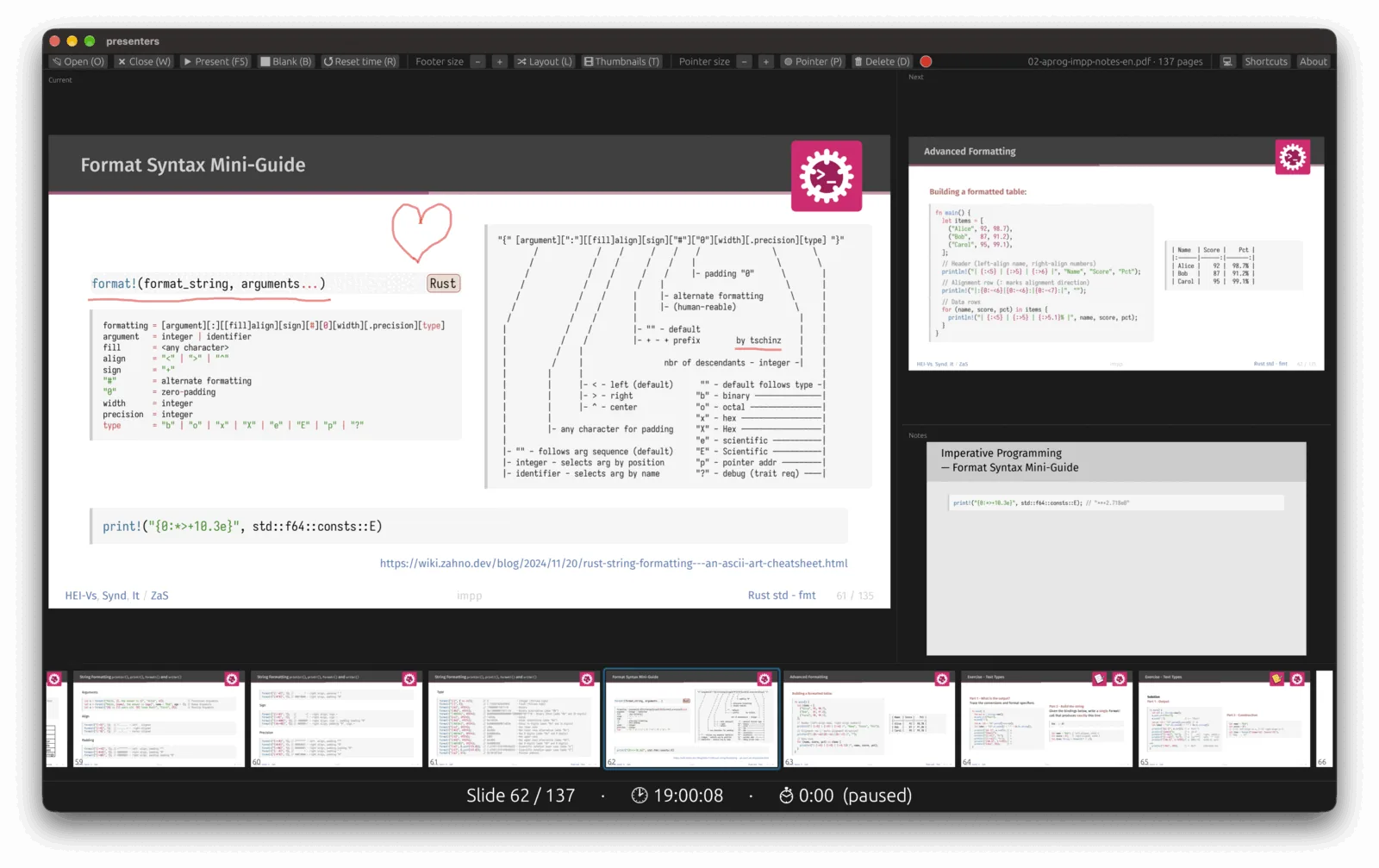
Draw and point.
A pointer to point with, a pen to draw with. Press P to switch and D to delete. Underline, circle or sketch while you talk, then clear it when you move on.
03
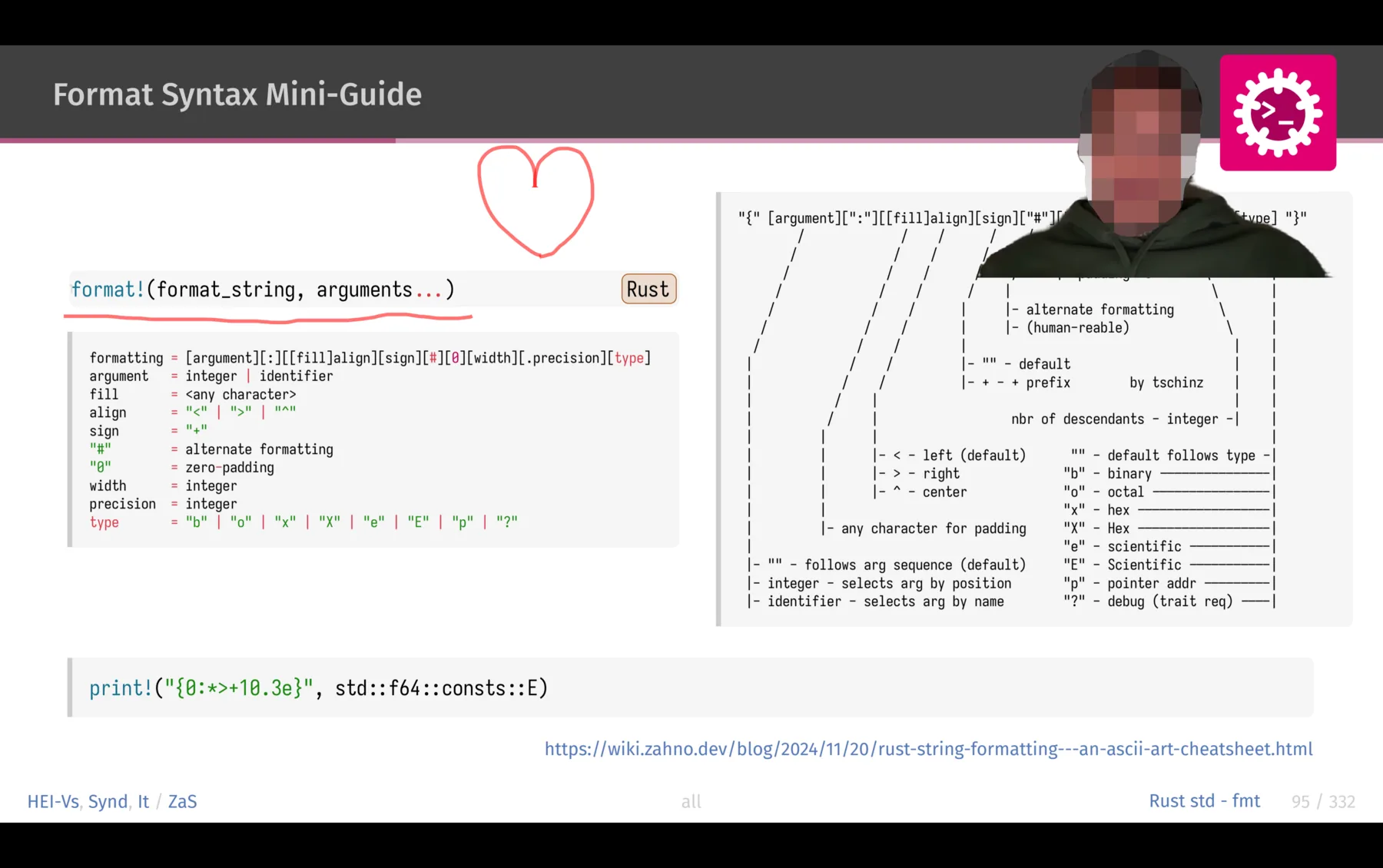
You, on the slide.
Show your camera in a corner of the slide, with the background removed. Remote or in the room, the audience sees you and the slide together.
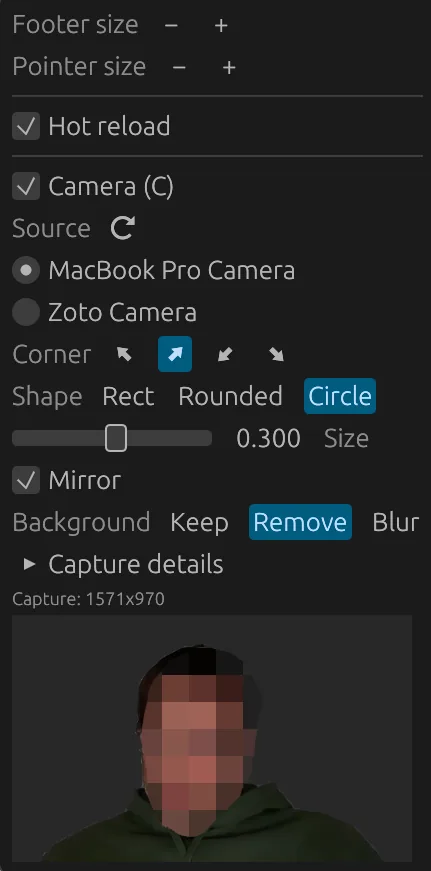
Your camera, your rules.
Pick the camera, the corner and the shape: rectangle, rounded or circle. Set size and mirror, and keep, remove or blur the background.
Drop a PDF and go.
Open a file or drag it onto the window. Recent files are one click away, and hot reload keeps the deck current while you edit it.
Free and open source.
No account, no tracking, no upsell. Read the code, change it, share it.
Specifications
- Platform
- macOS, Windows, Linux
- Licence
- Open source
- Price
- Free
- Input
- PDF files, also with LaTeX or Typst style notes
- Extras
- Camera overlay, drawing, hot reload
At a glance
- presenters
- PDFPDF with LaTeX or Typst style notes
- F5Present
- BBlank the screen
- FreeFree and open source
- Speaker notes
- Draw and pointer
- 12:08Timer and clock, always in view
- Camera with image processing
- Thumbnail bar
- Background removal and blur
Get the source.
Download a release or build it yourself.